Easy Map

Introduction
Embedding a map usually means pasting iframe code and updating it in every article when an address changes.
Easy Map adds Google Maps or OpenStreetMap with a one-line shortcode, and saved locations update everywhere at once.
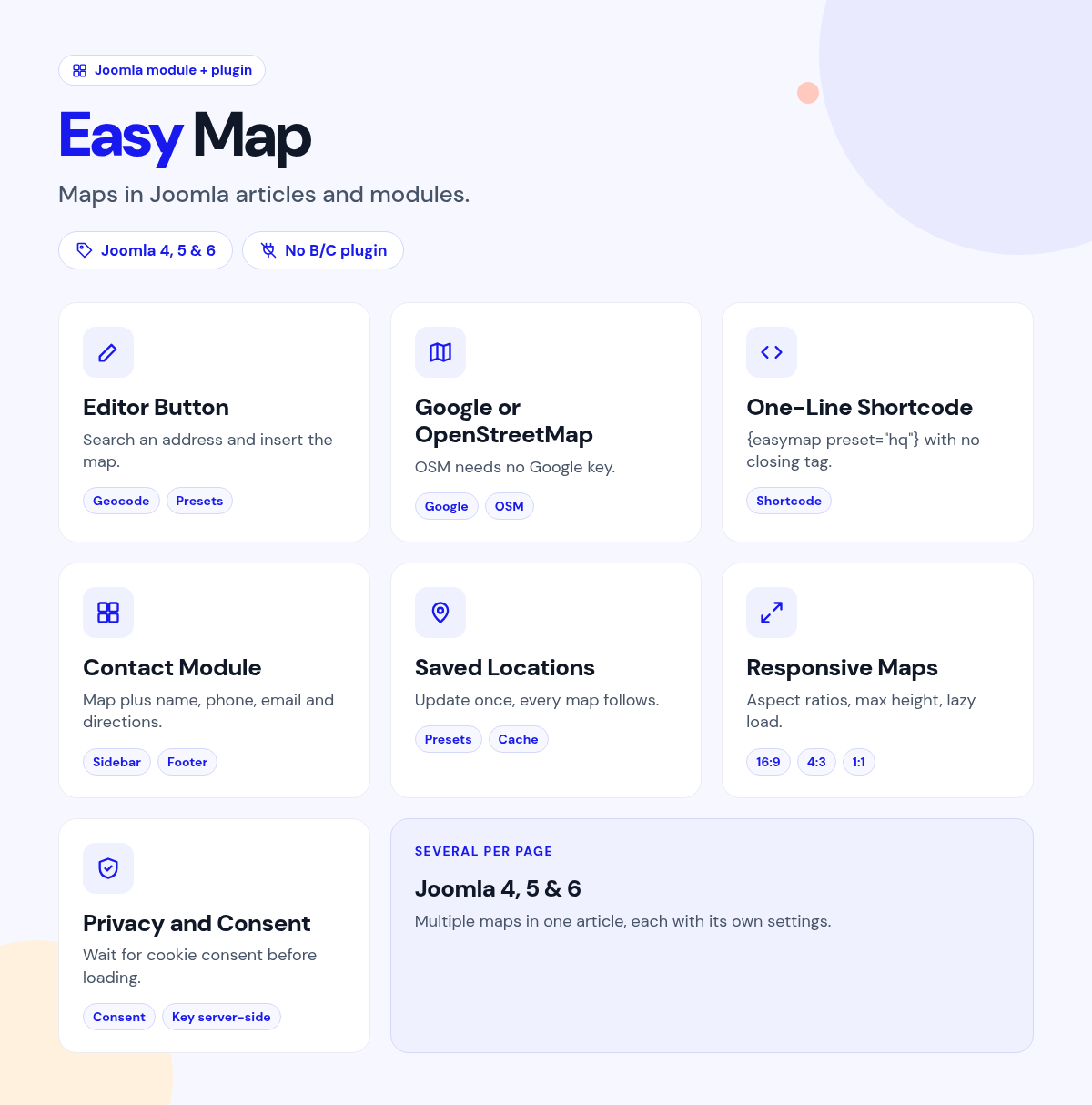
Search an address in the editor button, save it as a preset, and insert the shortcode.
What it does for your site
- No iframe code: an editor button searches the address and inserts the shortcode.
- Update once: save a location as a preset, and every map using it follows.
- Your choice of provider: Google Maps with an API key, or OpenStreetMap with no key needed.
- Privacy where you need it: use OpenStreetMap on one page and Google elsewhere.
- Contact card in a module: name, phone, email and a directions button under the map.
- Several maps per page: drop in as many as you need.
Why you can rely on it
- See the maps on the live demo, and read the full docs.
- Native Joomla package: content plugin, module, system plugin and editor button.
- Built for Joomla 4, 5 and 6.
- Actively maintained, with support and updates from the JoomlaX developers while your plan is active.
Live demo · Documentation · Product page
All plans include updates and support for the plan period.
Requirements: Joomla 4, 5 or 6, PHP 8.1+.
Changelog: Easy Map changelog
FAQ
- Do I need a Google API key? No. OpenStreetMap works without one.
- Can I reuse an address across articles? Yes. Save it as a preset.
- Can I show a map in the sidebar? Yes. Use the module with a contact card.
Try the live demo, then pick a plan
Easy Map
- Version:
- 1.0.2
- Developer:
- Infyways Solutions
- Last updated:
-
Oct 23 2026
1 day ago - Date added:
- Aug 26 2026
- License:
- GPLv2 or later
- Type:
- Paid download
- Includes:
- m p
- Compatibility:
- J4 J5 J6
Share