Easy Social Icons

Introduction
Keeping social links consistent across the header, footer and articles is a chore.
Easy Social Icons stores each profile once and reuses it everywhere, including a WhatsApp chat button.
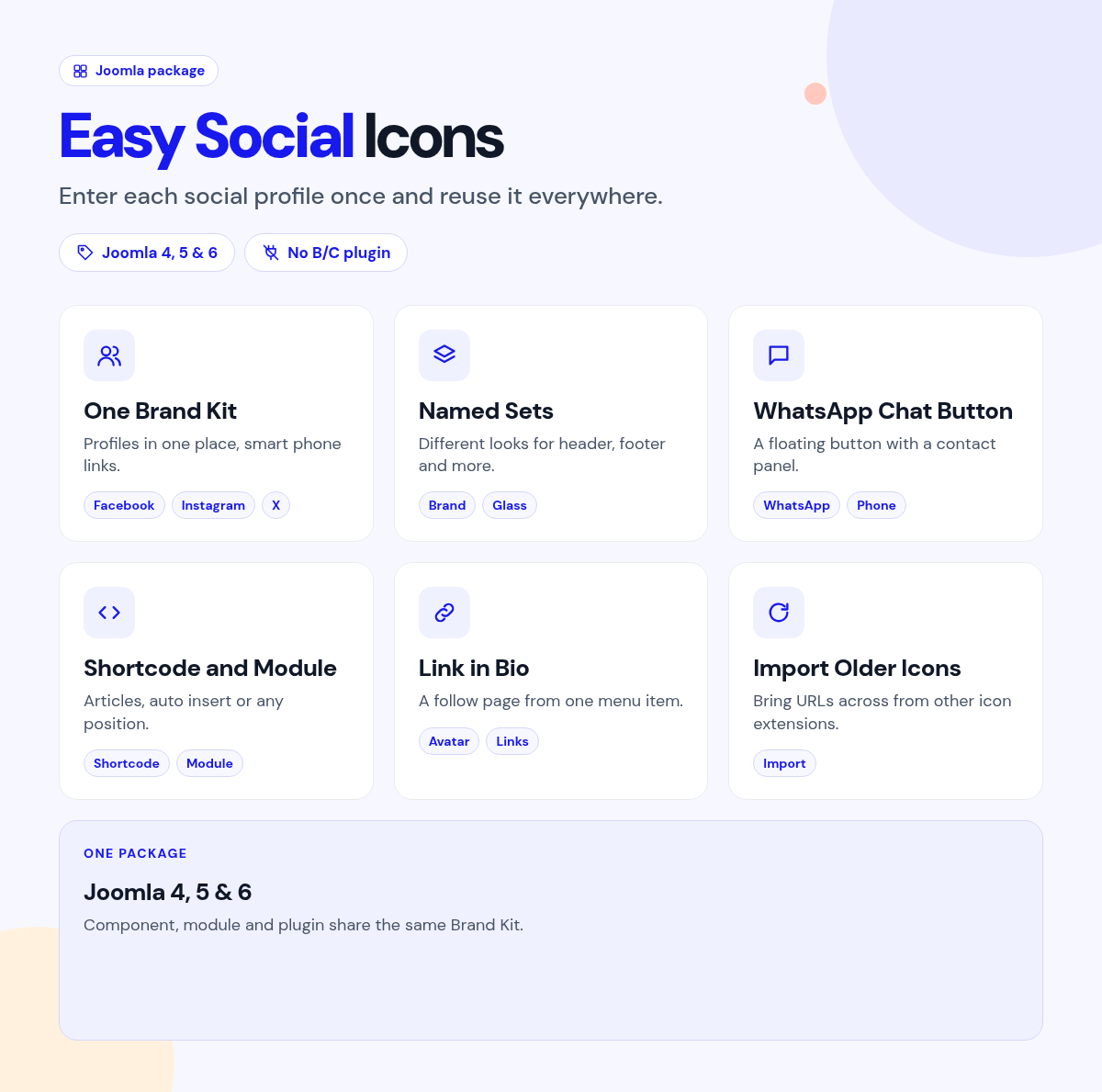
Enter your profiles in one Brand Kit, then create named sets for each place you show them.
What it does for your site
- Enter each profile once: one Brand Kit feeds every icon set.
- Different looks, same links: header icons, footer buttons and article chips from named sets.
- Smart links: phone numbers become WhatsApp or call links, and emails become mailto.
- A WhatsApp chat button: a floating button with phone, email or Telegram options.
- Themes and shapes: brand, soft, outline, glass or inverse, in several shapes.
- Anywhere you need it: shortcode, module or auto insert.
Why you can rely on it
- Try every set on the live demo, and read the full docs.
- Native Joomla component, module and plugin.
- Built for Joomla 4, 5 and 6.
- Actively maintained, with support and updates from the JoomlaX developers while your plan is active.
Live demo · Documentation · Product page
All plans include updates and support for the plan period.
Requirements: Joomla 4, 5 or 6, PHP 8.1+.
Changelog: Easy Social Icons changelog
FAQ
- Do I have to enter my profiles in several places? No. Enter them once and reuse them.
- Can it show a WhatsApp chat button? Yes. A floating button on any corner.
- Can I hide the chat button on mobile? Yes. Hide it per device or by menu.
Try the live demo, then pick a plan
Easy Social Icons
- Version:
- 1.7.1
- Developer:
- Infyways Solutions
- Last updated:
-
Oct 26 2026
23 hours ago - Date added:
- Nov 19 2014
- License:
- GPLv2 or later
- Type:
- Paid download
- Includes:
- c m p
- Compatibility:
- J4 J5 J6
Share