Easy Favicon

Introduction
Getting every favicon size right for browsers, Apple and Android is tedious, and templates add their own icons that conflict.
Easy Favicon builds the full favicon set from one image and removes the template's old icons.
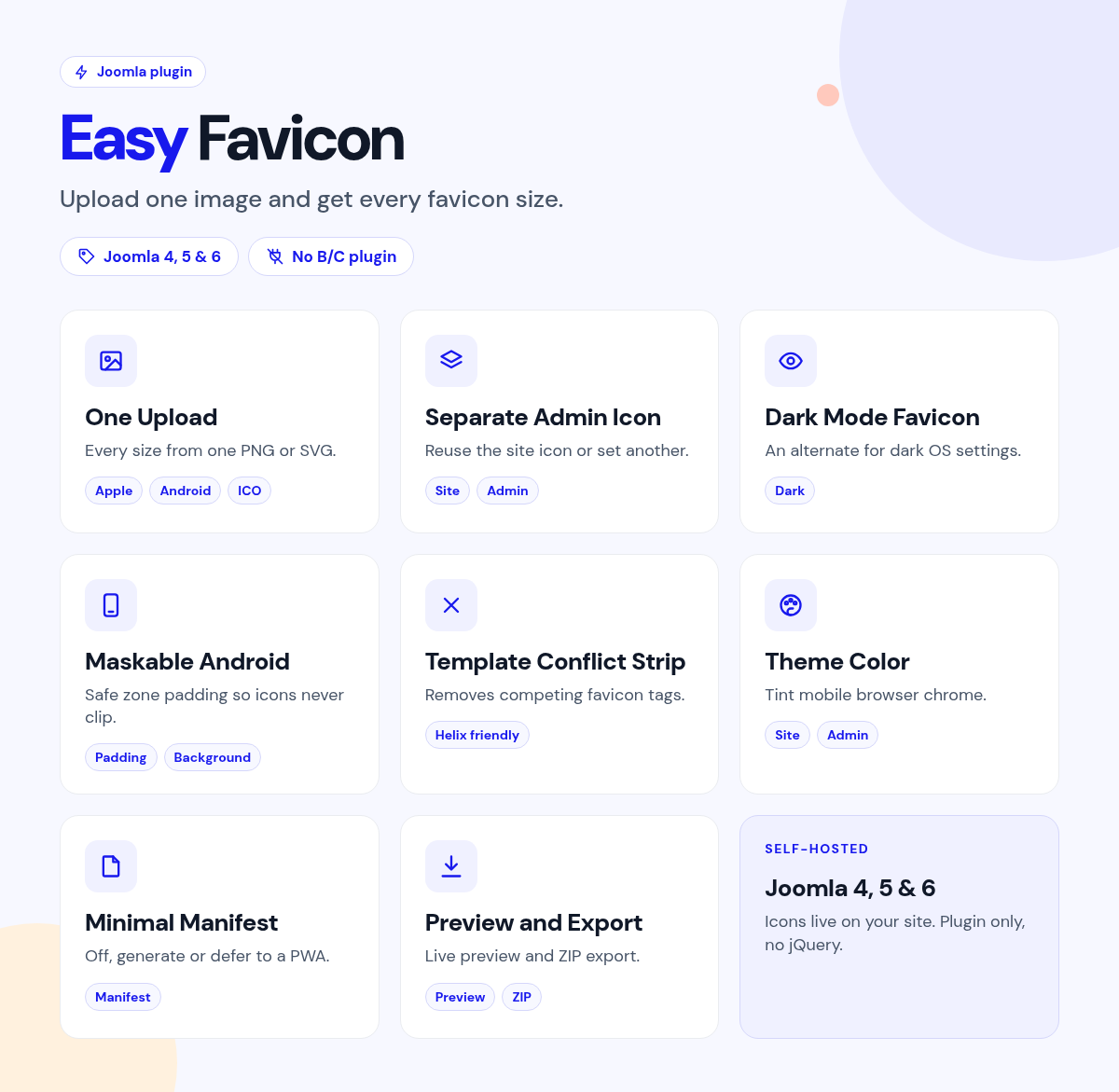
Upload one PNG or SVG, generate the set once, and the plugin adds it to every page.
What it does for your site
- Every size from one upload: browser, Apple and Android icons, plus an optional ICO.
- No more conflicts: strips competing favicon and touch-icon tags from your template.
- Dark mode aware: an optional icon for when the device prefers dark.
- Clean on Android: maskable icons with safe-zone padding and a background color.
- Branded browser bars: theme color for mobile browser chrome.
- A separate admin icon: tell the backend tab apart from the site.
Why you can rely on it
- See it working on the live demo, and read the full docs.
- Native Joomla system plugin.
- Built for Joomla 4, 5 and 6.
- Actively maintained, with support and updates from the JoomlaX developers while your plan is active.
Live demo · Documentation · Product page
All plans include updates and support for the plan period.
Requirements: Joomla 4, 5 or 6, PHP 8.1+.
Changelog: Easy Favicon changelog
FAQ
- What image should I upload? PNG or SVG is preferred. JPEG is accepted.
- My template adds its own favicon. Will that conflict? No. It removes competing favicon tags.
- Can the admin have its own icon? Yes. Reuse the site icon or upload a separate one.
Try the live demo, then pick a plan
Easy Favicon
- Version:
- 1.0.1
- Developer:
- Infyways Solutions
- Last updated:
-
Oct 26 2026
2 weeks ago - Date added:
- Aug 11 2026
- License:
- GPLv2 or later
- Type:
- Paid download
- Includes:
- p
- Compatibility:
- J4 J5 J6
Share