Easy Image Compare

Introduction
A single photo can't show the difference your work makes.
Easy Image Compare lets visitors drag a divider to reveal before and after images.
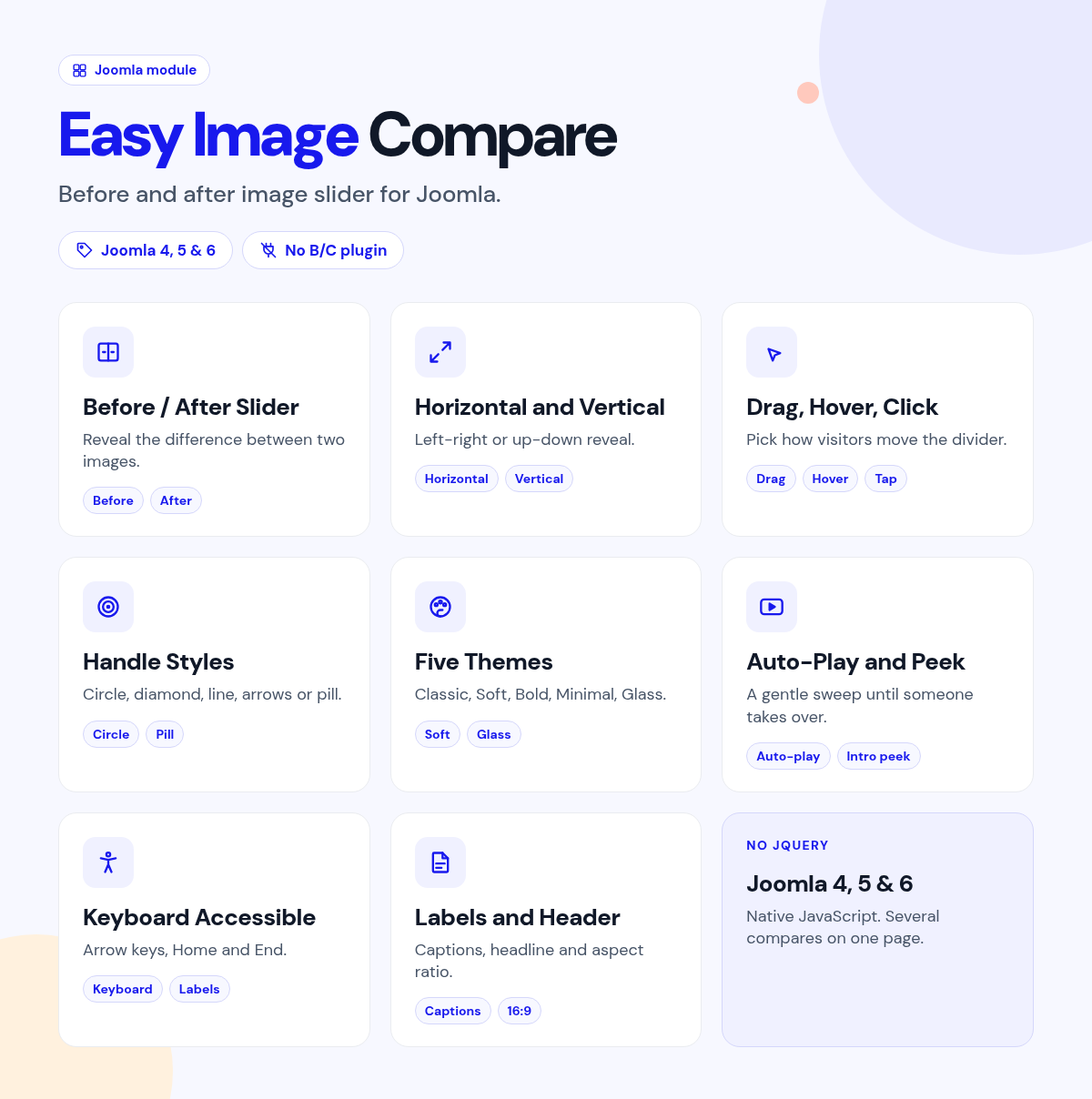
Publish the module, pick two images, and assign pages.
What it does for your site
- Show the change: a before/after slider for renovations, edits, results and portfolios.
- Right from first load: the starting position looks correct before scripts finish.
- Any orientation: horizontal or vertical comparison.
- The interaction you want: drag, hover or click.
- On-brand handles: circle, diamond, line, arrows or pill.
- Keyboard accessible: visitors can move the divider with the keyboard.
Why you can rely on it
- Try the slider on the live demo, and read the full docs.
- Native Joomla module with vanilla JavaScript.
- Built for Joomla 4, 5 and 6.
- Actively maintained, with support and updates from the JoomlaX developers while your plan is active.
Live demo · Documentation · Product page
All plans include updates and support for the plan period.
Requirements: Joomla 4, 5 or 6, PHP 8.1+.
Changelog: Easy Image Compare changelog
FAQ
- Does it work on phones? Yes. Hover mode falls back to drag on touch devices.
- Can it compare tall images? Yes. Use vertical mode.
- Can I set where the divider starts? Yes. Anywhere from 0% to 100%.
Try the live demo, then pick a plan
Easy Image Compare
- Version:
- 1.0.0
- Developer:
- Infyways Solutions
- Last updated:
-
Oct 26 2026
5 days ago - Date added:
- Jul 27 2026
- License:
- GPLv2 or later
- Type:
- Paid download
- Includes:
- m
- Compatibility:
- J4 J5 J6
Share