

Introduction
Great photos lose their impact squeezed into a small lightbox.
Fullscreen Image Gallery opens them in true fullscreen, so your work fills the whole screen.
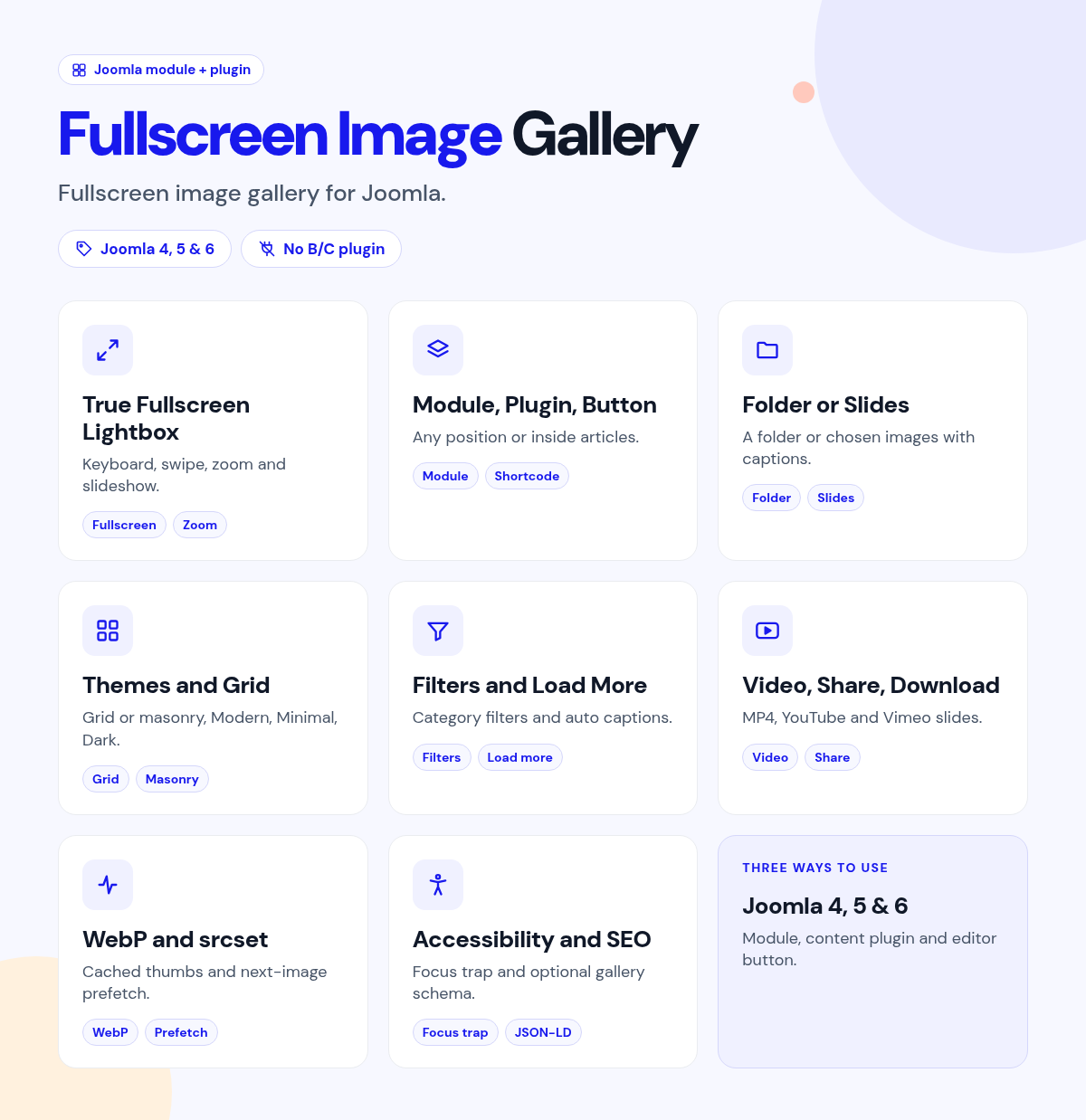
Place the module or insert a shortcode, point it at a folder or pick slides, and choose a theme.
What it does for your site
- Photos fill the screen: true OS fullscreen, not just the browser window.
- Easy to browse: keyboard, swipe, slideshow, pinch-zoom and scroll zoom.
- Use it anywhere: a module, a shortcode and an editor button.
- Folder or hand-picked: load a folder, or pick images with captions, categories and video.
- Layouts that fit: grid or masonry with columns, ratios, hover zoom and lazy loading.
- Organized galleries: filters and captions.
Why you can rely on it
- Open the gallery on the live demo, and read the full docs.
- Native Joomla module, plugin and editor button.
- Built for Joomla 4, 5 and 6.
- Actively maintained, with support and updates from the JoomlaX developers while your plan is active.
Live demo · Documentation · Product page
All plans include updates and support for the plan period.
Requirements: Joomla 4, 5 or 6, PHP 8.1+.
Changelog: Fullscreen Image Gallery changelog
FAQ
- Does it really go fullscreen? Yes. It uses the browser's Fullscreen API.
- Can it include video? Yes, in slides mode.
- Can visitors zoom? Yes. Pinch-zoom and scroll zoom with pan.
Try the live demo, then pick a plan
FullScreen Image Gallery
- Version:
- 2.5.1
- Developer:
- Infyways Solutions
- Last updated:
-
Oct 26 2026
3 weeks ago - Date added:
- Nov 19 2014
- License:
- GPLv2 or later
- Type:
- Paid download
- Includes:
- m p
- Compatibility:
- J4 J5 J6
Share