
Introduction
Sending readers to another page for a definition or detail breaks their reading.
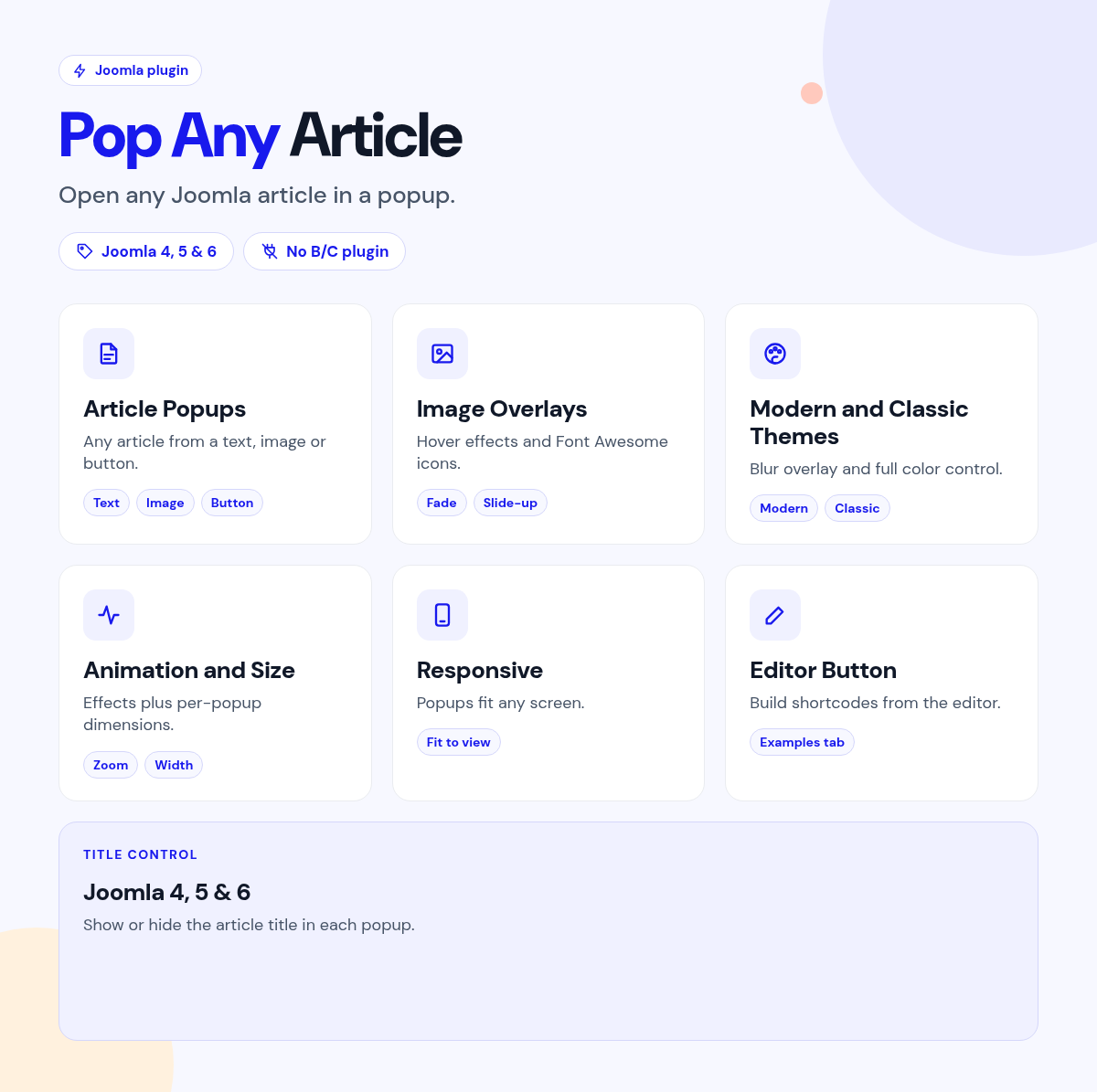
Pop Any Article opens any Joomla article in a popup from a link, button or image.
Insert the shortcode with the editor button and pick the article.
What it does for your site
- Any article, in place: open it in a popup without leaving the page.
- Triggers that fit: text links, images or styled buttons.
- Image overlays: text and icons with hover animations.
- Easy to insert: an editor button with preview and article picker.
- Modern or classic: a modern theme by default, with the classic look available.
Why you can rely on it
- Try the popups on the live demo, and read the full docs.
- Native Joomla package: system plugin and editor button.
- Built for Joomla 4, 5 and 6.
- Actively maintained, with support and updates from the JoomlaX developers while your plan is active.
Live demo · Documentation · Product page
All plans include updates and support for the plan period.
Requirements: Joomla 4, 5 or 6, PHP 8.1+.
Changelog: Pop Any Article changelog
FAQ
- Do I need to remember the shortcode? No. The editor button builds it.
- Can an image open the article? Yes, with optional overlays.
- Can I keep the classic look? Yes.
Try the live demo, then pick a plan
Pop any Article
- Version:
- 3.2.5
- Developer:
- Infyways Solutions
- Last updated:
-
Oct 23 2026
2 days ago - Date added:
- Nov 19 2014
- License:
- GPLv2 or later
- Type:
- Paid download
- Includes:
- p
- Compatibility:
- J4 J5 J6
Share