
Introduction
Casual copying of your text and images is too easy.
Right Click Disable discourages it with right-click, selection, drag and keyboard deterrents, site-wide or on chosen pages.
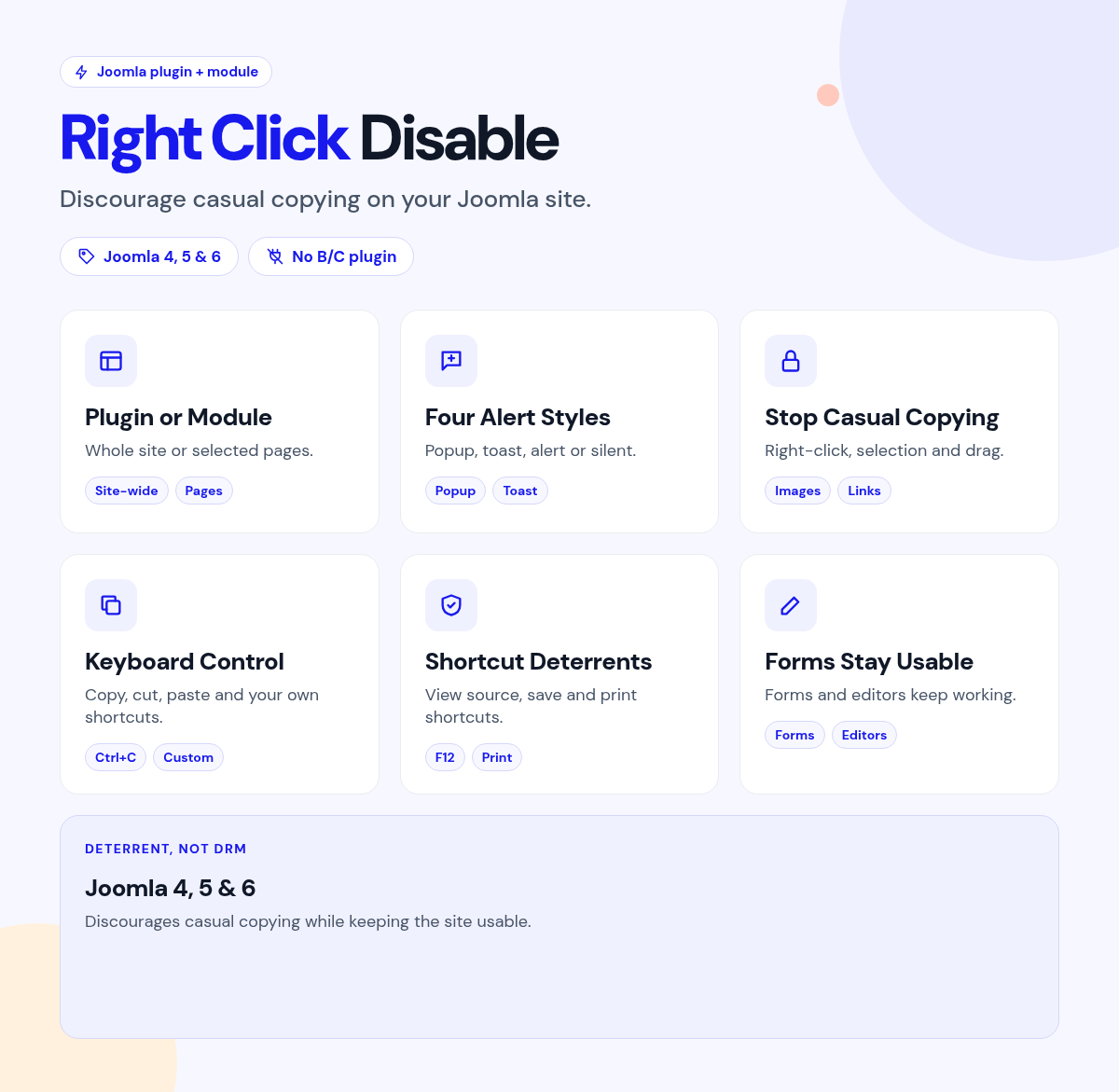
Enable the plugin for the whole site, or publish the module on selected pages.
What it does for your site
- Site-wide or selected pages: a system plugin or a module.
- Editors stay free: skip user groups, components or URL paths.
- Clear notices: a popup, toast, browser alert or silent mode.
- Several deterrents: right-click, selection, drag and keyboard shortcuts.
- Native JavaScript: modern Joomla structure.
Why you can rely on it
- Try it on the live demo, and read the full docs.
- Native Joomla system plugin and module.
- Built for Joomla 4, 5 and 6.
- Actively maintained, with support and updates from the JoomlaX developers while your plan is active.
Live demo · Documentation · Product page
All plans include updates and support for the plan period.
Requirements: Joomla 4, 5 or 6, PHP 8.1+.
Changelog: Right Click Disable changelog
FAQ
- Can logged-in editors still copy? Yes. Skip chosen user groups.
- Can I protect only some pages? Yes. Use the module on those pages.
- Does it stop all copying? No. It discourages casual copying, but it can't stop a determined user.
Try the live demo, then pick a plan
Right Click Disable
- Version:
- 2.6.1
- Developer:
- Infyways Solutions
- Last updated:
-
Oct 26 2026
4 days ago - Date added:
- Nov 19 2014
- License:
- GPLv2 or later
- Type:
- Paid download
- Includes:
- m p
- Compatibility:
- J4 J5 J6
Share