Easy Code Highlighter

Introduction
Code pasted into articles is hard to read, and updating the same snippet in many places is a chore.
Easy Code Highlighter shows syntax-highlighted code from reusable snippets you manage in one place.
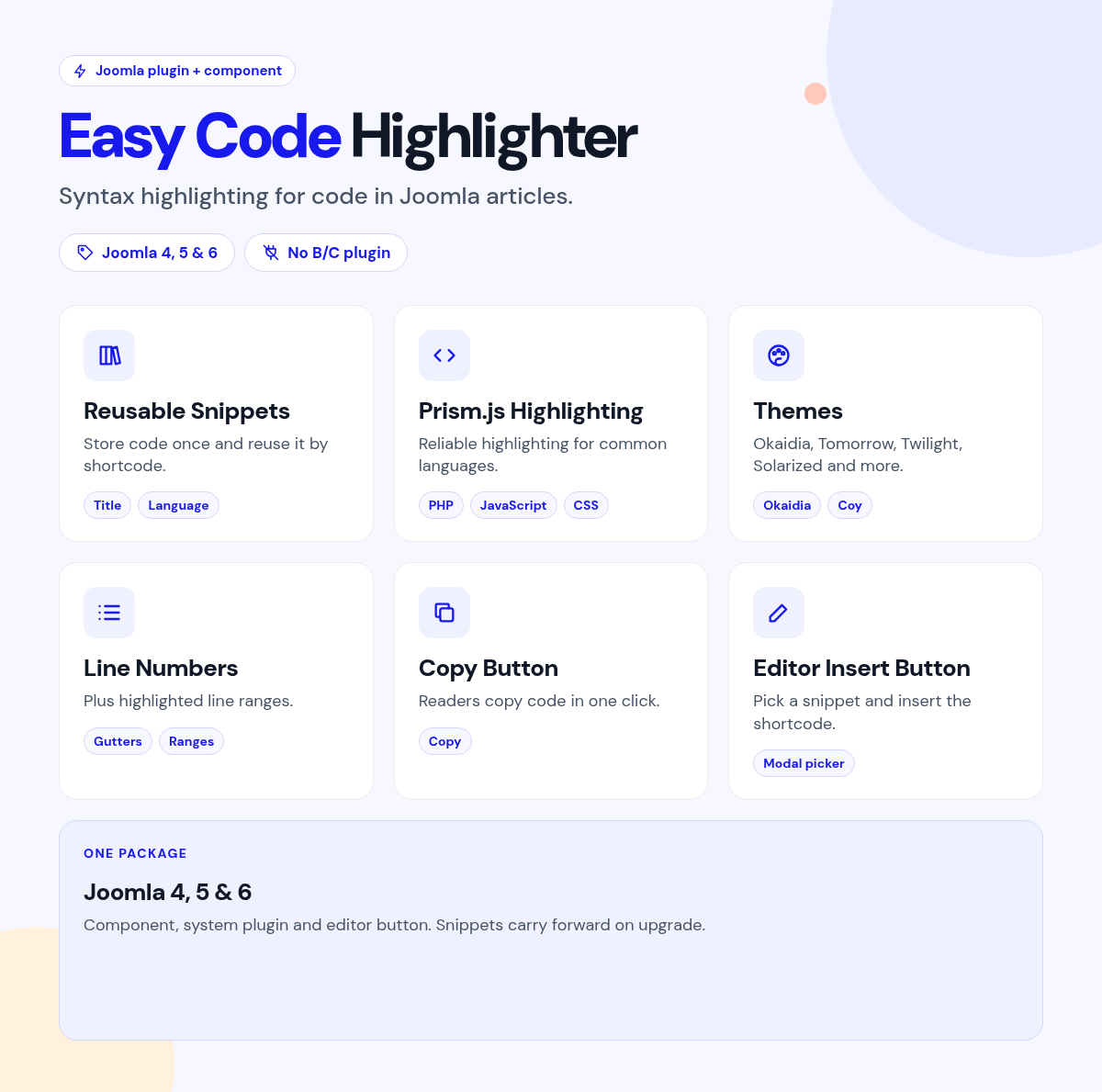
Save a snippet in the admin, then place its shortcode or insert it with the editor button.
What it does for your site
- Update once, fix everywhere: store snippets in the component and reuse them in any article or module.
- Readable code: Prism.js highlighting for PHP, JavaScript, C#, PowerShell and more.
- Your look: several themes, including Okaidia, Tomorrow, Twilight and Solarized.
- Helpful for readers: line numbers, line highlights and a copy button.
- No ID hunting: pick a snippet from the editor button.
- Many languages on one page: place several snippets in one article.
Why you can rely on it
- See the themes on the live demo, and read the full docs.
- Native Joomla component, system plugin and editor button.
- Built for Joomla 4, 5 and 6.
- Actively maintained, with support and updates from the JoomlaX developers while your plan is active.
Live demo · Documentation · Product page
All plans include updates and support for the plan period.
Requirements: Joomla 4, 5 or 6, PHP 8.1+.
Changelog: Easy Code Highlighter changelog
FAQ
- Can readers copy the code? Yes. Turn on the copy button.
- Can I show several languages on one page? Yes. Place several snippet shortcodes in one article.
- Do I need to remember snippet IDs? No. Pick snippets from the editor button.
Try the live demo, then pick a plan
Easy Code Highlighter
- Version:
- 2.2.1
- Developer:
- Infyways Solutions
- Last updated:
-
Oct 20 2026
1 minute ago - Date added:
- Nov 19 2014
- License:
- GPLv2 or later
- Type:
- Paid download
- Includes:
- c p
- Compatibility:
- J4 J5 J6
Share