
Introduction
Sending visitors to a separate login page interrupts what they were doing.
Easy Login Popup lets them sign in from a popup on the current page, then shows a greeting and their member menu.
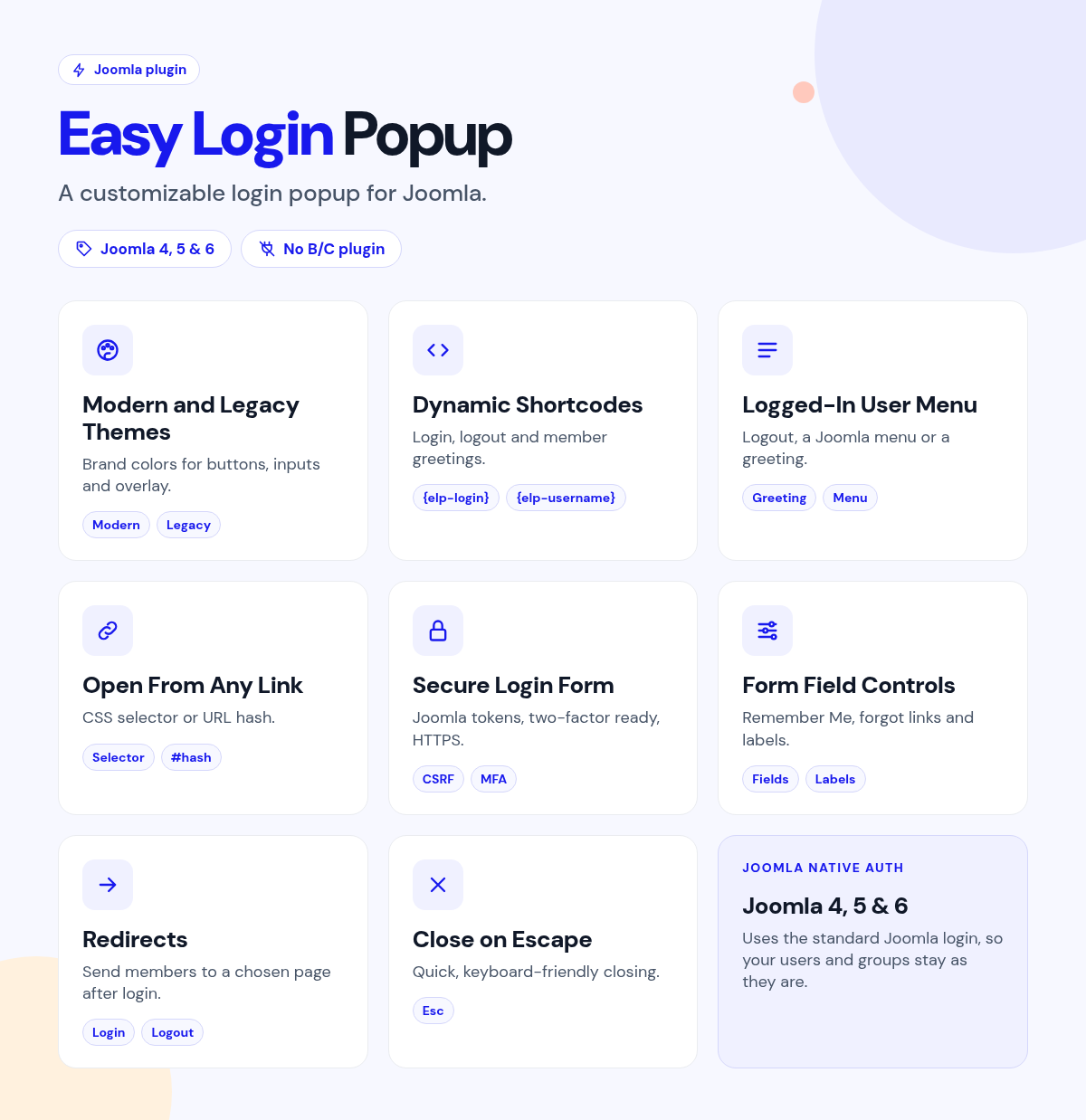
Place the login shortcode in your header or content, and pick what members see after they sign in.
What it does for your site
- Sign in without leaving the page: a styled login popup opens from a link.
- Login anywhere: shortcodes for login and logout work in articles, modules and Custom HTML.
- A personal touch: show the member's name or username with your own greeting.
- Member menus after login: show logout only, a Joomla menu, a module or all modules in a position.
- On-brand: a modern theme or the classic look, with accent, button, input, link and overlay colors.
- Standard Joomla login: it uses Joomla's own secure login.
Why you can rely on it
- Try the popup on the live demo, and read the full docs.
- Native Joomla system plugin.
- Built for Joomla 4, 5 and 6.
- Actively maintained, with support and updates from the JoomlaX developers while your plan is active.
Live demo · Documentation · Product page
All plans include updates and support for the plan period.
Requirements: Joomla 4, 5 or 6, PHP 8.1+.
Changelog: Easy Login Popup changelog
FAQ
- Do I need to edit my template? No. Place the shortcode in a module or article.
- What do members see after they log in? A greeting plus logout, a Joomla menu or a module, as you choose.
- Does it replace Joomla's login security? No. It uses Joomla's standard login.
Try the live demo, then pick a plan
Easy Login Popup
- Version:
- 1.5.4
- Developer:
- Infyways Solutions
- Last updated:
-
Oct 20 2026
12 hours ago - Date added:
- Jul 26 2024
- License:
- GPLv2 or later
- Type:
- Paid download
- Includes:
- p
- Compatibility:
- J4 J5 J6
Share